Pixel Art Tag Generator

Create custom rank tags, chat prefixes and badges for Minecraft servers. Design professional staff ranks, player roles, and donor badges with pixel art styling, gradients, and shadows.

Preview

Actions

Text

Input
Colors
Shadow

Background

Padding
Colors
Shadow
Shape

Icons

Drop icons here or click to upload

Usage & Information

How to Use Generated Tags

Using Your Pixel Art Tags:

  • Copy or save your generated tag as a PNG image
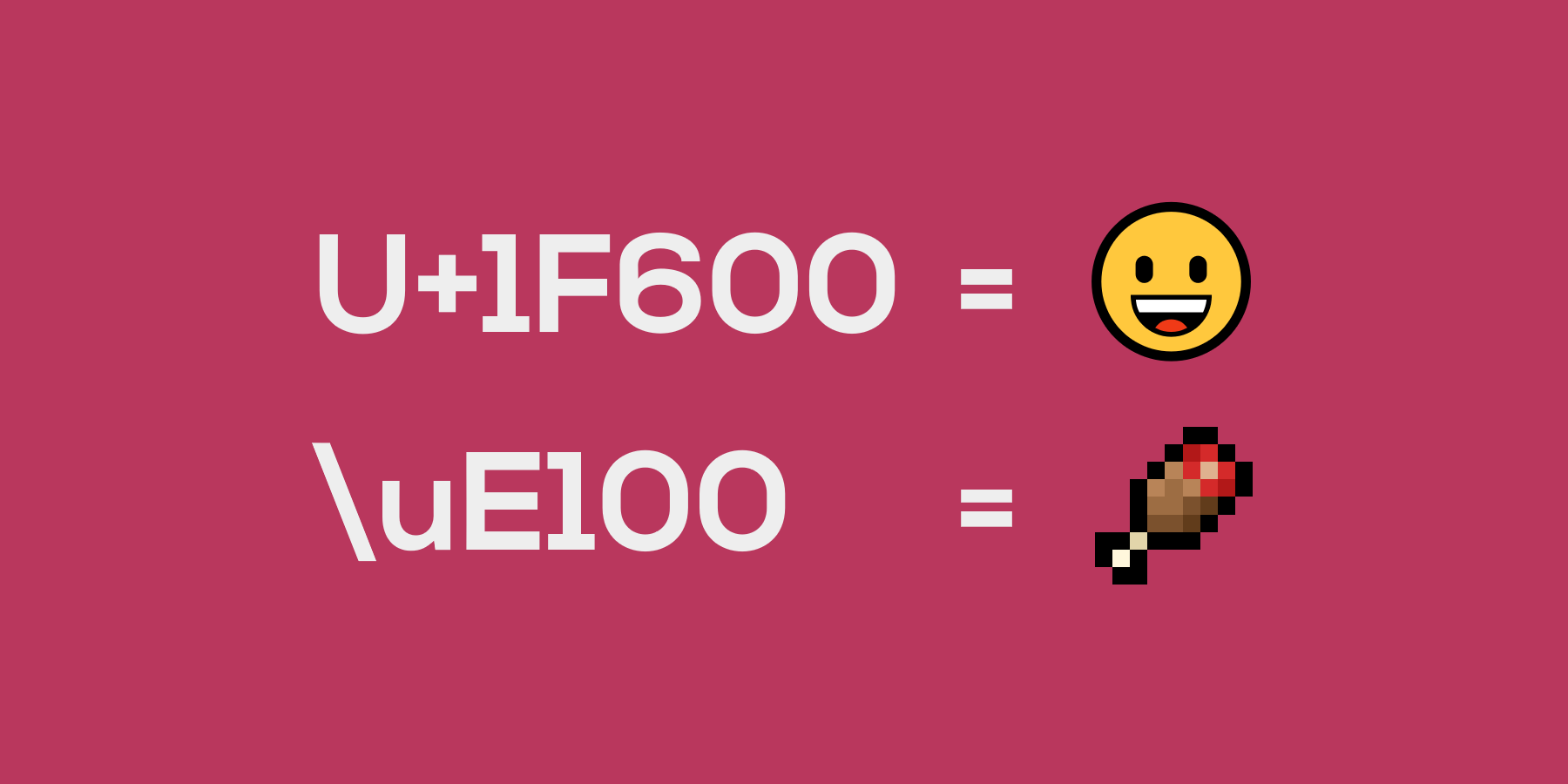
  • Java: Place image in resource pack's textures folder, reference in font JSON file, use unicode in-game
  • Bedrock: Place in font folder glyph file, use unicode based on image position
  • Use unicode converter tool for character codes
  • Can be used in LuckPerms roles (Java plugin) with assigned unicodes

Best Practices:

  • Keep text short for better readability at small sizes
  • Use high contrast between text and background colors
  • Test your tags in-game at different GUI scales
  • Consider using shadows for better text visibility on complex backgrounds

Font Information

About the Pixel Fonts:

This tool offers 3 pixel font types based on classic bitmap patterns that have been widely used since the early 2000s. Due to their simple geometric nature and numerous independent implementations over the years, these basic letter patterns represent common typographic knowledge rather than copyrightable expression.

Available Font Types:

  • Mono (5x5): Standard monospace font, best readability
  • Medium (4x5): Slightly narrower, good balance of size and clarity
  • Compact (3x5): Smallest option, ideal for longer text or tight spaces

Technical Details:

  • Style: Monospace bitmap fonts
  • Usage: Programmatically generated images only
  • Compatibility: Perfect for pixel art projects and retro interfaces

Legal Note: The basic geometric patterns used for letter shapes represent fundamental typographic forms that are not subject to copyright protection. We use these patterns solely for generating images and do not distribute font files.

Advanced Features

Text Features:

  • 3 Font Types: Choose from Mono (5x5), Medium (4x5), or Compact (3x5) pixel fonts
  • Multiple Colors: Create gradient effects with up to 5 colors, each with adjustable transparency
  • Hard Colors Mode: Disable gradient interpolation for sharp color transitions
  • Text Shadows: Add depth with shadows in 6 directions with custom color and transparency
  • Direction Control: Switch between horizontal, vertical, diagonal, and radial gradients
  • Character Support: Letters, numbers, and common symbols

Background Options:

  • Gradient Backgrounds: Combine multiple colors for rich backgrounds with hard color option
  • Background Shadow: Add shadows in 6 directions with custom color and transparency
  • Padding Control: Adjust horizontal and vertical spacing around text (0-10 pixels)
  • Rounded Corners: Add smooth rounded corners (0-10 pixels)
  • Outline: Add colored borders (0-5 pixels) with custom color and transparency
  • Export Formats: Copy to clipboard or save as PNG

Icon Features:

  • Upload Custom Icons: Add pixel art icons in any resolution (no size restrictions)
  • Flexible Positioning: Place icons before, after, above, or below text
  • Fine-tuning Controls: Use arrow buttons to adjust icon position pixel-by-pixel
  • Icon Shadows: Enable shadows on individual icons to match text shadow style
  • Icon Spacing: Adjust space between icons and text (-10 to 10 pixels, supports negative values for overlapping)
  • Layer Management: Reorder icons to control which appears on top

File Naming: Downloaded files are automatically named [text]-tag-[timestamp].png based on your rank text for easy organization.

Back to Tools